Tools & Research Ops
7 Best Panel Management Tools for UX Research

Written by: Ben Aldred
Founder of Participant Kit. Building research ops tools since 2019.
Last updated:
Panel management software helps you build highly targeted research panels, streamline repetitive admin tasks, and get better results from your studies.
Below, I've compiled a list of seven panel management tools to consider for your next project.
But first, let's get something straight...
You need to do a ridiculous amount of things to get a research study going. But the most important of all, of course, is to find relevant people to share their insights and opinions with you.
You can do that in several ways, of course.
- You could use a third-party research recruitment agency.
- You could also try inviting existing customers to help.
- Or you could build your own research panel, which, as I'm sure you'll agree, is by far the most beneficial approach.
The problem? Building and managing a panel can be a job in itself. And I doubt that it's the aspect of a research project you're most excited about.
That's why, in this guide, I'll show you seven panel management platforms that could help you streamline the process.
What is panel management software?
Research this term - panel management software - and you're likely to get several different definitions.
Some people call these tools "gateways to their panel." Others say that such tools help companies learn more about their audience.
Each of those definitions carries some truth, of course. But I prefer a simpler approach. To me, as a product category, panel management tools allow you to achieve two objectives:
- Grow and maintain your research community with relatively little effort, and
- Streamline and automate repetitive admin tasks so that you can focus on the stuff that really matters to you - conducting the actual research.
That said, these tools deliver more than just a way to recruit participants faster. With panel management tools, you will also:
- Build highly targeted panels. Building your own panel allows you to choose participants from very specialist audiences, such as people with very specific lived experiences or skill sets applicable to the product or service.
- Ensure better quality data. Keeping the data clean and relevant (this is a huge part of panel management and why people move away from spreadsheets, e.g. merging duplicates, letting people amend their own data, etc.)
- Get better results from your studies. Since you'll be able to select highly targeted participants, you will also collect better feedback and results from your studies. And you will complete projects faster.
- Launch research projects more frequently. Panel management tools let you build and maintain a research community. You can tap into that pool of already identified and screened research participants every time you plan a new research project.
Is all panel management software the same?
No, unfortunately not. It's true that most platforms offer certain similar capabilities. However, they differ in terms of features and even how they approach panel management:
- All-in-one platforms help you manage the entire process. These tools offer features to recruit and manage panels, conduct the actual research, synthesize the data, and so on.
- Smaller platforms focus on helping you manage particular aspects of the process like recruitment, consent management, and data governance.
- Finally, some tools exist as part of larger platforms that include other capabilities beyond just UX research.
Your choice should depend on what aspects of the panel management process you want to streamline.
Below, I've listed some of the best panel management software on the market, and explained what features and benefits each platform offers.
7 best panel management tools for UX researchers
1. Participant Kit
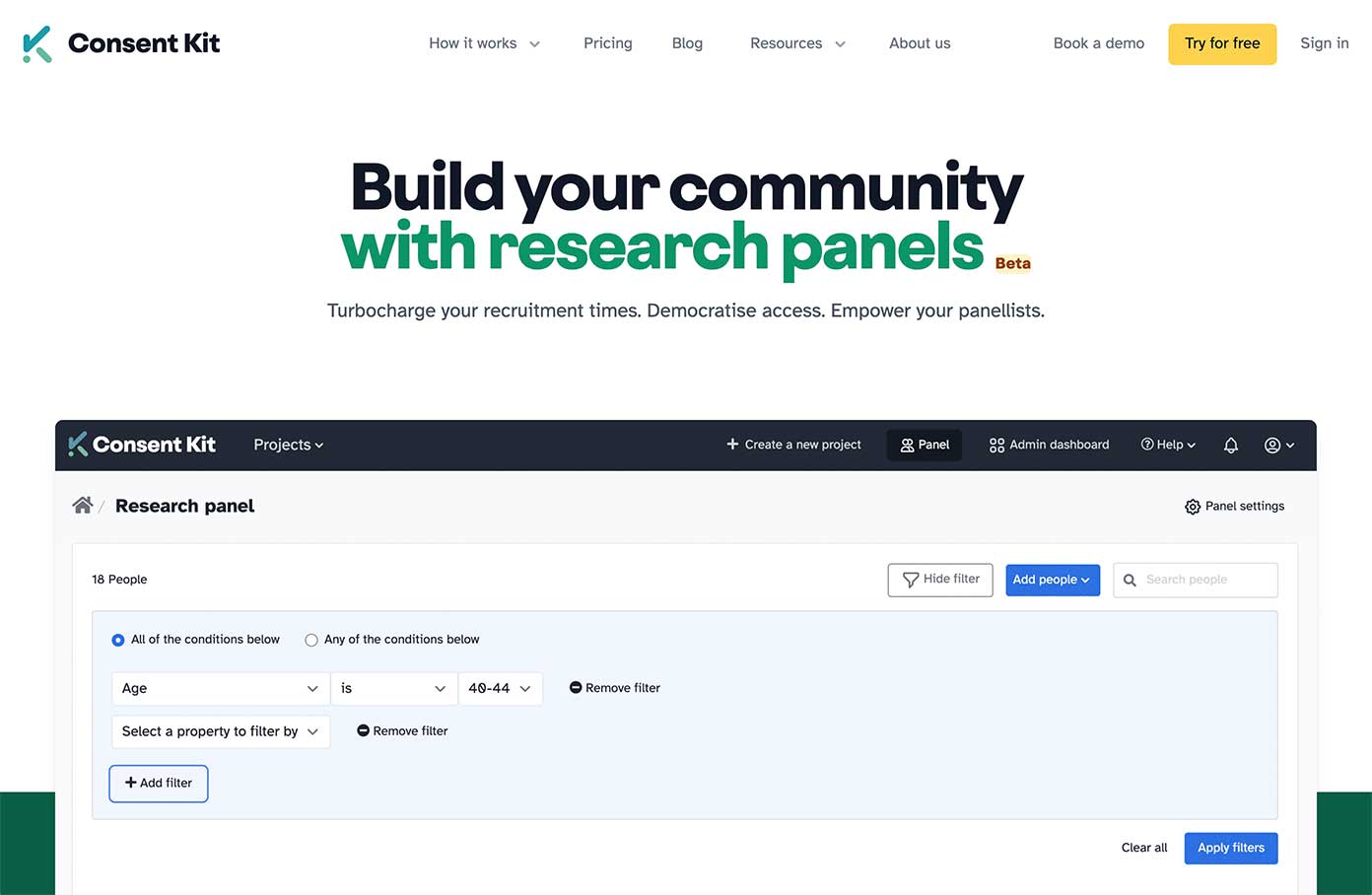
Participant Kit (disclaimer - this is our product) is a participant management software built by researchers, for researchers. We help research teams build and manage their own panels, turning spreadsheet chaos into a single source of truth.
From our customers we know that, on average, Participant Kit saves researchers 45 minutes per participant while keeping records in line with GDPR. One major UK retailer reported reduced recruitment costs from £1,600 to £150 per study by removing spending on external recruitment.
Participant Kit also helps researchers manage projects, documents, eSignatures, subject access requests, data retention policies, and research panels.
Here's how we help teams own their participant relationships:
Panel management that actually works
- Import existing participants with automatic deduplication
- Build panels from your actual users and audiences
- Segment and filter participants based on any criteria
- Track participation history to avoid over-contacting
- Let participants update their own profiles
- Set cooling-off periods between studies
Recruitment without the hassle
- Screeners with branching logic and qualification rules
- Share recruitment forms across any channel
- Bulk messaging and message personalisation
- Search and filter previous screener responses
- Real-time project dashboards
Everything else you need
- Full audit trails for compliance
- Live real-time accessible consent forms
- Governance reporting
- WCAG 2.1AA compliance out of the box
- Adaptive digital signatures
- UK/EU data storage
- Incentive tracking
- Option to democratise access
- Auto-reminders to delete data
- Role-based permissions, and more
Participant Kit helps research ops manage research projects more efficiently while staying compliant with data protection regulations and making research admin accessible and inclusive. Particularly strong for teams that need UK/EU data storage.
Want to build your own panel?
Find out if Participant Kit is a good fit for you. Get all your burning questions answered
Book a demo2. User Interviews
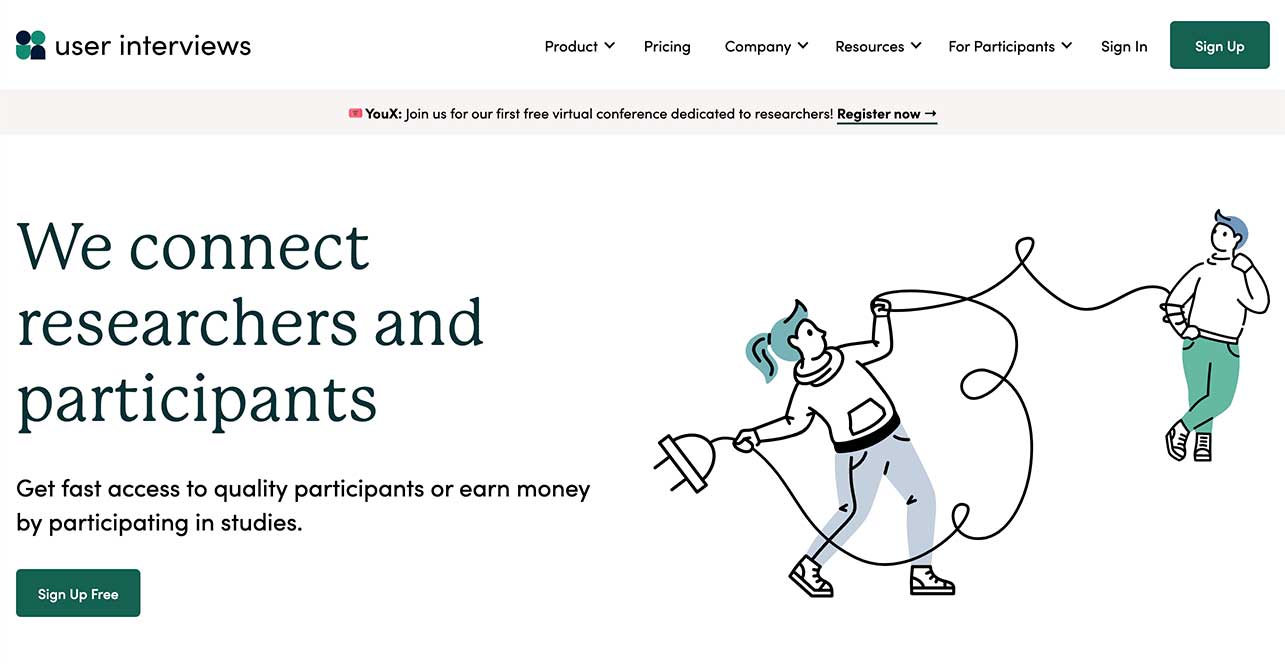
User Interviews is a recruitment platform that connects you with participants quickly when you need to build a new research panel. They offer features to start recruiting in minutes and have your participants ready for the study in hours.
User Interviews features
- 6 million+ participants to choose from
- Advanced participant scoring system
- Fraud detection system
- Targeting options including industry, job titles, demographics, location, technology, etc.
- Custom screener surveys
- Incentives distribution and management
- Participant research history tracking
- Ability to build your own panel with CSV uploads
- Customisable opt-in forms
- Rich user profiles
- Calendar synchronisation, reminder messages, email notifications, bulk emails and text messages, and more
Because of its focus on participant recruitment, User Interviews is an ideal solution for research ops teams that need to continuously find new panelists and maintain large research panels.
3. Great Question
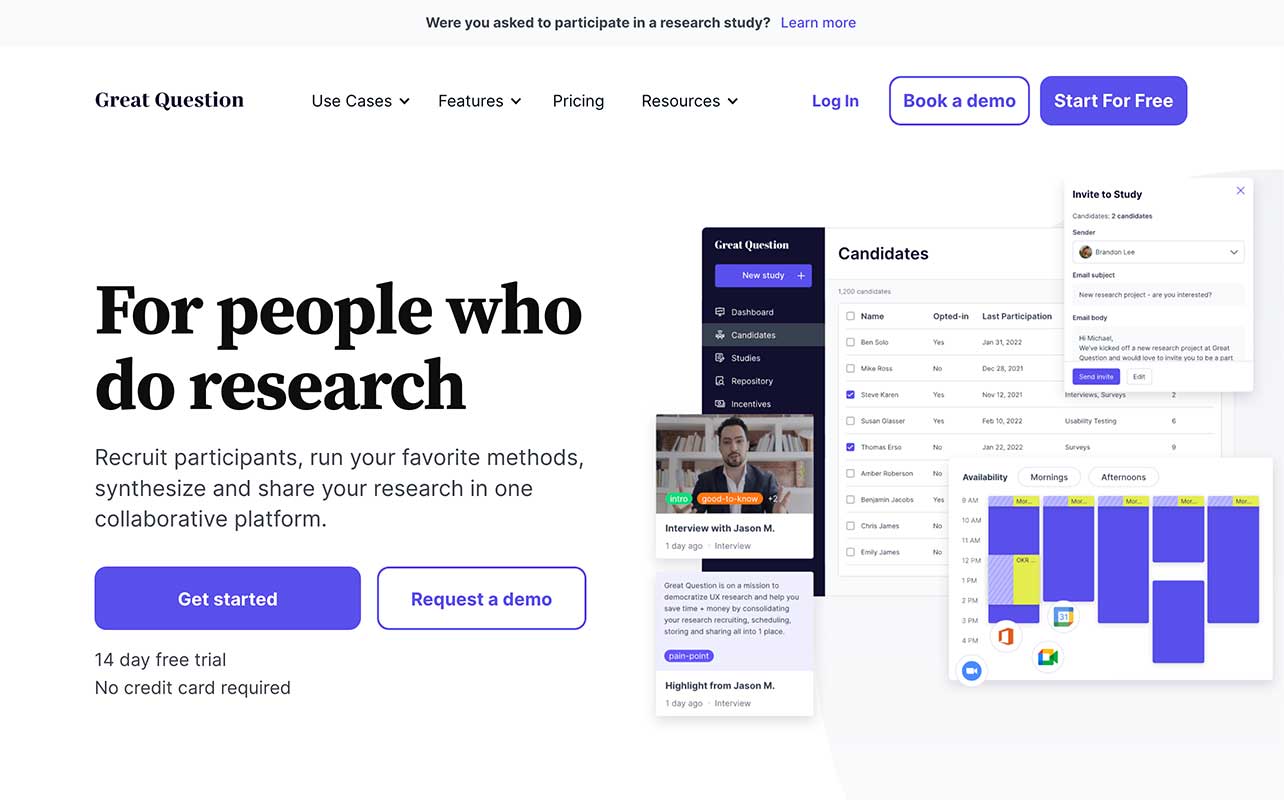
Great Question is an all-in-one customer research platform. Its capabilities include not only panel management but also the ability to run and synthesise your research. You can build your research panel, schedule customer research, create a research repository of all the feedback, synthesise it, and turn it into actionable insights.
Great Question features
- Participant recruitment
- Participant management
- Incentives management
- Research calendar
- Branded communications including custom landing pages for the whole panel or a specific study
- Screener forms
- Rich candidate profiles
- Custom attributes
- Research repository
- User research methods templates
- Transcription, and more
Great Question is a good fit for researchers looking to use a single tool to manage the entire research process and results.
4. Qualtrics
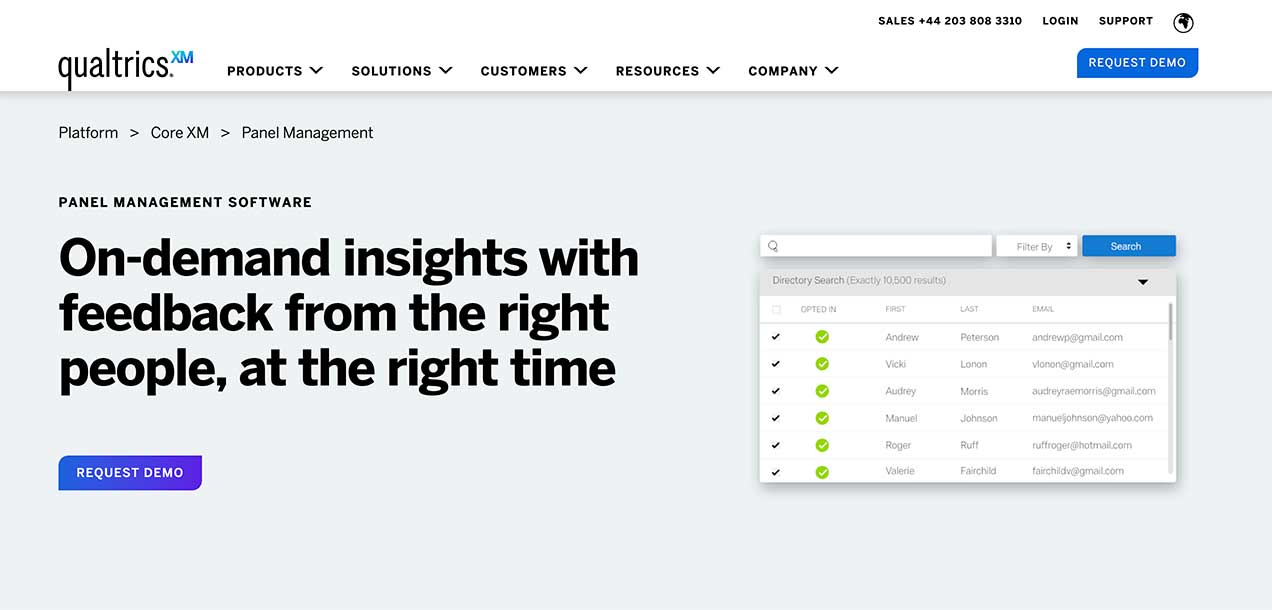
Qualtrics is a well-known brand offering tools and platforms to manage anything from brand to employee to customer experience. As part of its CoreXM platform, Qualtrics also offers panel management software.
Qualtrics' panel management tool lets you recruit participants, build a custom panel, reward those people for their participation, and collect responses. That said, many of Qualtrics' tools are geared towards market research rather than user research.
Qualtrics features
- Panel recruitment
- Participant history
- Incentive management
- Rich customer profiles
Viewed on its own, Qualtrics' panel management software is less feature-rich than other tools on this list. But combined with features from other Qualtrics platforms, it can deliver powerful capabilities for managing research panels.
5. Ethnio
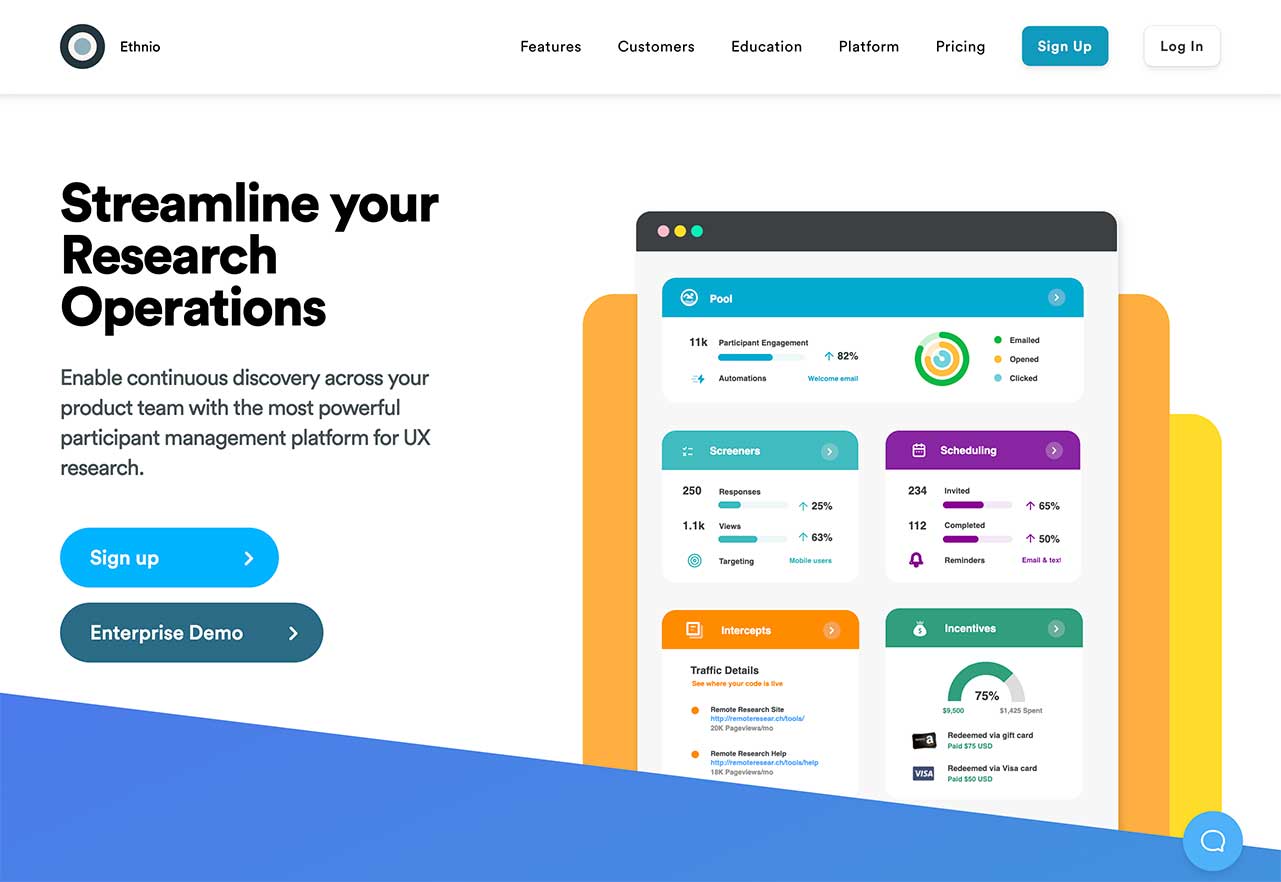
Much like Participant Kit, Ethnio is a user research CRM that helps you manage participant panels easily. With Ethnio, you can keep track of participant research history, segment and filter your database, distribute incentives, and do pretty much all the things you need to manage a panel.
It's worth noting that certain panel management features, like the central participant database, are only available to Ethnio's enterprise customers.
Ethnio features
- Centralised database of participant interactions (Enterprise only)
- Advanced database filters (Enterprise only)
- Screener surveys
- Opt-ins and intercepts
- Participant communications history
- Incentive management
- Session scheduling
Ethnio is a robust user research CRM with all the features you'd need to build and manage a panel. However, some core capabilities are restricted to enterprise plans only, making the platform less accessible to smaller research teams.
6. Alchemer
At first sight, Alchemer looks more like a robust survey or voice-of-the-customer tool than panel management software. But the platform also offers features to identify, access and manage your research panel. Some of this is done through third-party integrations with panel providers. Alchemer also offers proprietary tools to upload a list of participants, manage their information, communicate with them, and more.
Alchemer features
- Integrations with panel providers
- Panel upload
- Panel management
- Email, SMS, and video communication
- Robust survey engine
Alchemer is primarily a feedback collection platform. However, its integration with panel providers and panel management features may make it worth considering, particularly if you also plan to run surveys as part of your research.
7. Dscout Private Panels

Dscout Private Panels (formerly Panelfox) is all about helping you get more participants for your studies. The tool allows you to create signup forms, build rich participant profiles with properties like text, checkboxes, dropdowns, and more. Private Panels features advanced filters to help you find the right sample for your project, review a participant's project history, manage their consent, etc.
Dscout Private Panels features
- Participant signup forms
- Screener surveys
- Rich profiles
- Search filters and participant history
- Email and SMS communications
- Participant scheduling
- Incentives management, and more
Private Panels is a robust participant recruitment platform that provides most of the capabilities you'd need to find and schedule participants for your next project.
Choosing the right panel management tool
Now you know seven of the best panel management tools that could help you launch your next UX study. All that's left is to research them further and see which one best aligns with your project needs.
Good luck!