
View all updates
Bulk actions for candidates
New feature
Move extra candidates to another study, delete the ones who aren't right, and see screener responses on profiles.
People fill out your screener and land in the candidates tab. Got more candidates than you need for this round of research? Now you can do something with them - select the extras and move them to another study. Their screener responses come with them.
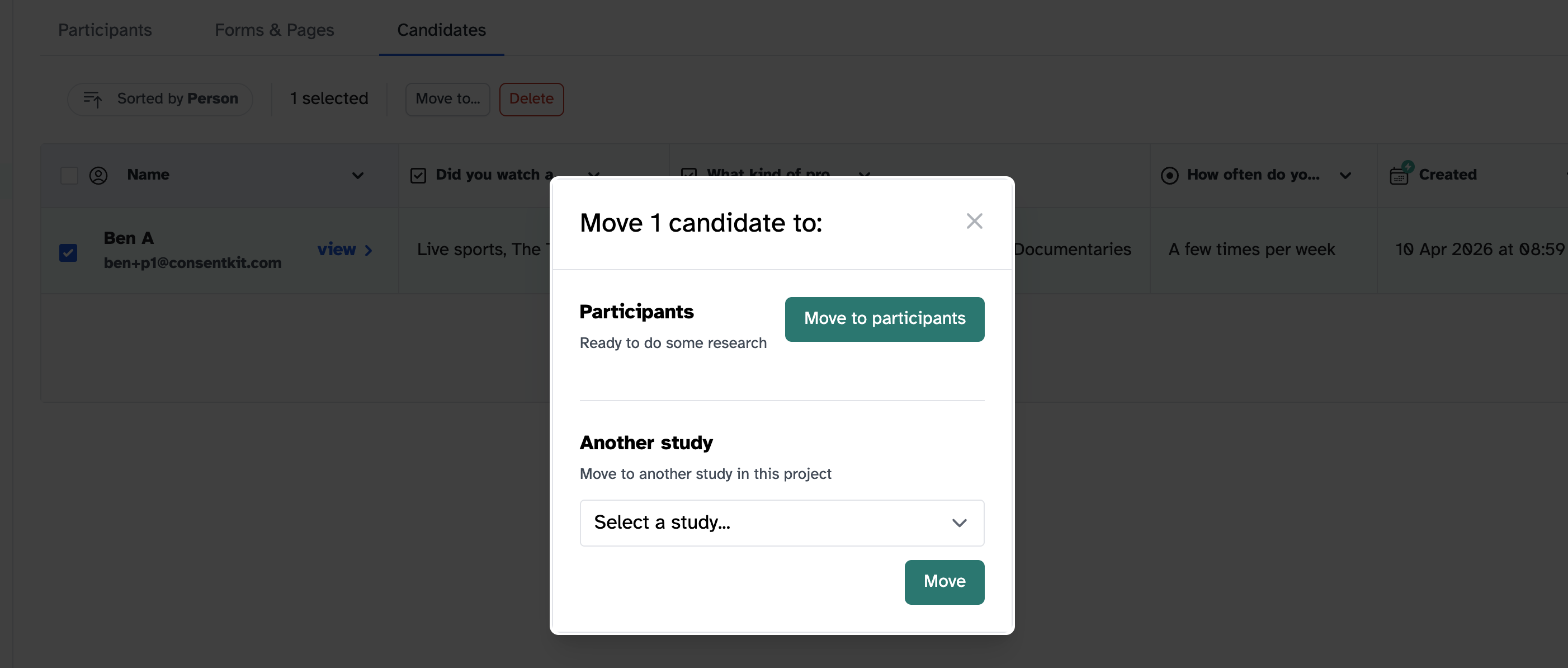
What you can do
- Move to another study - Transfer candidates who’d be a better fit elsewhere. Screener responses travel with them.
- Bulk delete - Remove candidates who aren’t right. No more letting them sit there with nothing you can do.
Screener responses on profiles
When someone fills out a screener, their profile now shows a badge marking them as screened. You can also view their screener responses directly on their profile.
How to use bulk actions
- Go to your study’s candidates list
- Select the candidates you want to act on
- Choose Move to study or Delete from the bulk actions menu