
Share an email or consent form for review
This article assumes that you have already:
- created a project
- With a study in it
- With a consent form that has not been signed yet
- And at least one participant (asking remotely)
Ever feel that pang of anxiety before sending an email to a participant?
In this article we will show you how to generate and share a preview of the email your participant will receive with a colleague, without locking your consent form down.
The email also includes a working link to an exact replica of the consent form a participant will see.
Let’s get started
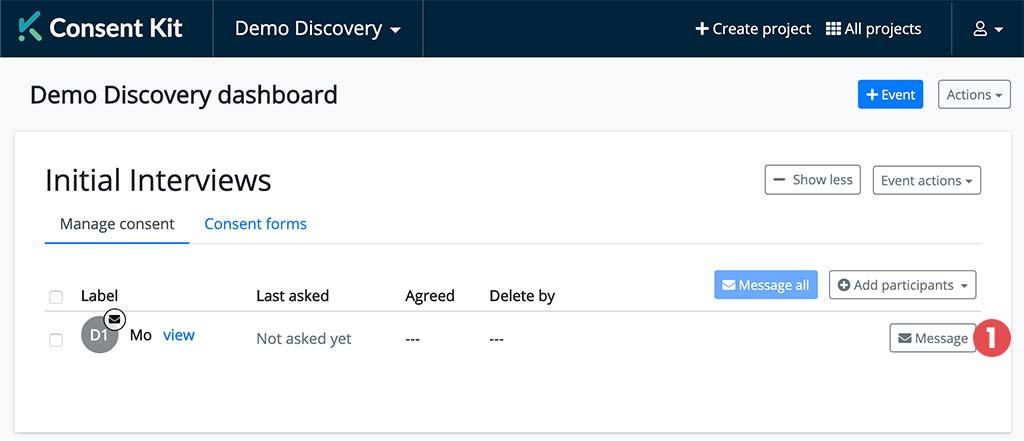
From the Project Dashboard, click on the “message” button next to any participant (1).
On the Review email before sending page, write your message or load one with Start from. Then click Send test at the top of the Preview panel (2).
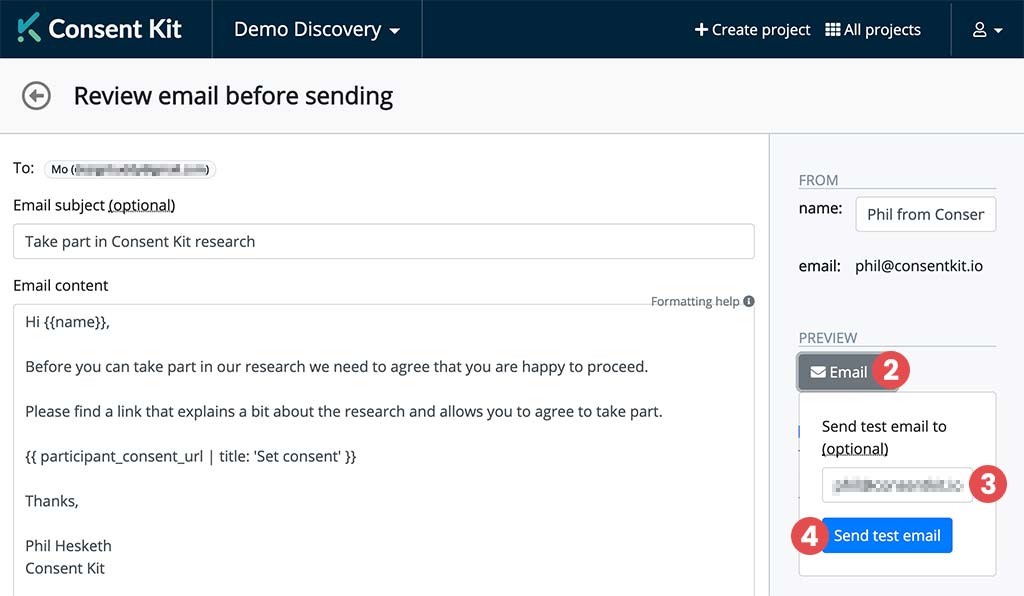
Enter the email address (3) of the person you want to share the email and consent form with and click “Send test email” (4).
There you have it! You should see a blue alert at the top of the screen saying that your test email has been sent.